
+86 18652221058
- Chinese
- French
- German
- Portuguese
- Spanish
- Russian
- Japanese
- Korean
- Arabic
- Irish
- Greek
- Turkish
- Italian
- Danish
- Romanian
- Indonesian
- Czech
- Afrikaans
- Swedish
- Polish
- Basque
- Catalan
- Esperanto
- Hindi
- Lao
- Albanian
- Amharic
- Armenian
- Azerbaijani
- Belarusian
- Bengali
- Bosnian
- Bulgarian
- Cebuano
- Chichewa
- Corsican
- Croatian
- Dutch
- Estonian
- Filipino
- Finnish
- Frisian
- Galician
- Georgian
- Gujarati
- Haitian
- Hausa
- Hawaiian
- Hebrew
- Hmong
- Hungarian
- Icelandic
- Igbo
- Javanese
- Kannada
- Kazakh
- Khmer
- Kurdish
- Kyrgyz
- Latin
- Latvian
- Lithuanian
- Luxembou..
- Macedonian
- Malagasy
- Malay
- Malayalam
- Maltese
- Maori
- Marathi
- Mongolian
- Burmese
- Nepali
- Norwegian
- Pashto
- Persian
- Punjabi
- Serbian
- Sesotho
- Sinhala
- Slovak
- Slovenian
- Somali
- Samoan
- Scots Gaelic
- Shona
- Sindhi
- Sundanese
- Swahili
- Tajik
- Tamil
- Telugu
- Thai
- Ukrainian
- Urdu
- Uzbek
- Vietnamese
- Welsh
- Xhosa
- Yiddish
- Yoruba
- Zulu
- Kinyarwanda
- Tatar
- Oriya
- Turkmen
- Uyghur

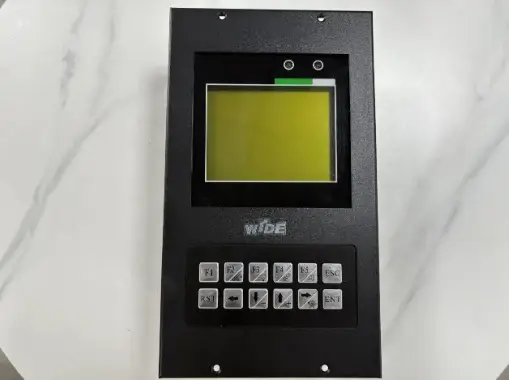
Crane Load Moment Limiter Display Terminal Selection Guide | Xuzhou Jiemanda Construction Machinery Co . , Ltd.
A crane load moment limiter display terminal is an important interface between the crane’s safety-monitoring system and the operator. It presents operating information that can help the operator understand load conditions, boom configuration, working radius, warning status, and other data relevant to safe lifting operations.
When sourcing a Zoomlion Crane Load Moment Limiter Display Terminal, buyers should focus on exact equipment compatibility, system configuration, connector details, software version, and post-installation verification. A display terminal is not simply a screen; it is part of a safety-related system that must match the specific crane and its load moment limiter configuration.
What Is a Crane Load Moment Limiter Display Terminal?
A load moment limiter, often called an LMI system, helps monitor crane operating conditions against configured limits. The display terminal is the operator-facing component that presents system information, warnings, diagnostics, and operating status.
Depending on the crane and system design, the terminal may display:
- Actual lifted load
- Rated load or allowable load
- Boom length
- Working radius
- Boom angle
- Hook height
- Load moment percentage
- Parts of line
- Outrigger status
- Wind-related information where equipped
- Alarm messages
- Fault codes
- Sensor or communication status
The exact parameters and screen layout vary by crane model, controller version, and installed monitoring system.
Why the Display Terminal Is Important
Crane operations involve changing loads, boom positions, ground conditions, configurations, and environmental factors. The load moment limiter display terminal gives the operator access to information generated by the crane’s monitoring system.
A properly functioning terminal can support:
- Better operator awareness
- Faster identification of abnormal system messages
- More efficient diagnostic work
- Clearer communication during maintenance
- Improved recordkeeping for recurring faults
- Verification of selected crane configuration data
However, the terminal does not replace the crane load chart, pre-lift planning, inspection procedures, qualified operators, or applicable safety requirements. Operators should always follow the crane manufacturer’s instructions, approved lifting procedures, and site-specific safety controls.
How a Load Moment Limiter System Works
A load moment limiter system generally receives data from multiple sensors and control components. The system processes this information and sends relevant results to the display terminal.
Typical inputs may include:
- Load sensor signals
- Boom angle sensor data
- Boom length or telescoping data
- Pressure sensor information
- Outrigger-position signals
- Slewing-angle information
- Anti-two-block system status
- System power and communication signals
The display terminal presents the available data in a format intended to help the operator recognize the current operating condition. If a value approaches or exceeds a configured warning threshold, the system may provide visual or audible alerts according to its design.
Because the display relies on data from other components, a screen issue does not always mean that the display itself is faulty. The cause could also be related to power supply, wiring, connectors, sensors, communication lines, controller configuration, or software.
Key Information to Review Before Buying a Replacement Terminal
A replacement terminal should never be selected only by appearance, screen size, or product photo. Even similar-looking units may use different pin assignments, software, communication protocols, mounting structures, or controller logic.
Before ordering a Zoomlion Crane Load Moment Limiter Display Terminal, verify the following information:
| Verification Item | Why It Matters |
|---|---|
| Crane model | Similar crane series may use different LMI systems. |
| Crane serial number | Production changes may affect components and configurations. |
| Original part number | The most important reference for replacement matching. |
| LMI system model | Confirms the correct monitoring-system platform. |
| Terminal model and label | Helps compare hardware and version details. |
| Connector type and pin count | Prevents wiring and interface mismatch. |
| Power supply specification | Confirms electrical compatibility. |
| Communication protocol | Ensures the display can communicate with the controller. |
| Mounting dimensions | Verifies physical installation suitability. |
| Software or firmware version | Helps avoid configuration conflicts. |
| Existing fault code | Supports correct diagnosis before replacing parts. |
Providing clear photos of the original label, connectors, wiring interface, and crane information can help reduce ordering errors.
Common Display-Terminal Problems
A crane display terminal may show different symptoms when the LMI system has a fault. These symptoms should be diagnosed carefully before replacing the unit.
Blank or Unpowered Screen
A blank screen may be caused by:
- Missing power supply
- Blown fuse
- Damaged power cable
- Loose connector
- Grounding issue
- Internal terminal fault
- Water or vibration damage
Before replacing the terminal, check the power input, connectors, fuse condition, and wiring continuity according to the relevant service procedure.
Unstable or Flickering Display
Flickering, intermittent startup, or unexpected rebooting can be associated with:
- Unstable voltage
- Poor ground connection
- Loose harness connection
- Damaged connector pins
- Moisture ingress
- Internal electronic failure
- Vibration-related wiring problems
An inspection should include the terminal, harness routing, connector lock condition, and electrical supply under normal operating conditions.
Incorrect Load or Radius Data
If the terminal displays unreasonable load, boom length, radius, or angle values, the issue may not be the screen itself. Possible causes include:
- Load sensor problems
- Pressure-sensor issues
- Angle sensor misalignment
- Boom-length sensor faults
- Incorrect configuration
- Communication error
- Damaged wiring
- Calibration requirements
Replacing the terminal without verifying upstream signals may not solve the underlying problem.
Communication or System Fault Messages
Communication alarms can appear when the terminal cannot exchange data correctly with the LMI controller or connected sensors. Check connector condition, communication wiring, controller status, and compatibility before assuming that the terminal has failed.
Installation and Post-Installation Verification
Installing a crane load moment limiter display terminal should be treated as a controlled maintenance activity. The system is safety-related, so incorrect installation, configuration, or testing can create serious operational risk.
After installation, qualified personnel should verify:
- Correct terminal model and connector engagement
- Secure mounting and vibration resistance
- Proper power supply and grounding
- Normal startup sequence
- Communication with the LMI controller
- Correct display of relevant crane configuration data
- Normal sensor-status indications
- Alarm and warning functions
- Absence of unexplained fault codes
- Required calibration or configuration procedures
- Documentation of the maintenance action
The crane should not be returned to normal lifting operation until the relevant system checks have been completed according to the equipment documentation and site safety process.
Maintenance Tips for Longer Terminal Service Life
A display terminal operates in a demanding environment that may include vibration, dust, heat, humidity, and changing weather conditions. Routine inspection can help identify problems before they affect crane availability.
Recommended maintenance activities include:
- Keep the screen and keypad area clean
- Inspect mounting hardware for looseness
- Check connectors for corrosion, moisture, or damaged locking tabs
- Inspect cable routing for abrasion or crushing
- Review recurring error messages
- Protect the terminal from unauthorized modification
- Record replacement and repair history
- Check that seals and enclosure protection remain intact
- Review system operation after major electrical work
- Use only verified-compatible replacement components
Avoid cleaning agents or tools that could damage the screen, keypad membrane, labels, or enclosure seals.
Choosing the Right Supplier
When sourcing a Zoomlion Crane Load Moment Limiter Display Terminal, a supplier should be able to help you verify practical matching details before shipment.
Useful information to request includes:
- Product label photos
- Terminal part number
- Connector photos
- Interface and mounting information
- Supported crane-model confirmation based on provided data
- Condition and testing information
- Packaging method for electronic components
- Technical support for pre-purchase verification
Do not rely on a generic product description alone. The most reliable replacement decision is based on exact equipment information and comparison with the original unit.
Conclusion
A crane load moment limiter display terminal is a key part of the crane’s monitoring interface. It helps present important load and configuration information, warnings, and diagnostic messages to support safe crane operation.
For a Zoomlion Crane Load Moment Limiter Display Terminal, accurate matching is essential. Confirm the crane model, serial number, original part number, LMI system version, connector arrangement, power specification, and communication interface before purchase. After installation, carry out the required functional checks and follow the applicable maintenance and safety procedures.
For assistance with terminal matching, part verification, or crane display-terminal inquiries, contact our team: https://www.xzjmd.com/contact-us/
FAQ
What does a crane load moment limiter display terminal do?
It displays information from the crane’s load moment limiter system, such as load-related data, boom configuration, working radius, warning status, and diagnostic messages, depending on the crane configuration.
Can I replace a display terminal with a similar-looking model?
Not without verification. Similar-looking terminals can have different connectors, voltage requirements, software versions, communication protocols, and mounting arrangements.
Why does the terminal show an incorrect load value?
The cause may be a load sensor, pressure sensor, boom sensor, wiring issue, configuration issue, communication problem, or calibration requirement. The display terminal should not be assumed to be the only cause.
Does a display terminal increase the crane’s lifting capacity?
No. A display terminal does not change the crane’s rated capacity. Lifting limits must always follow the applicable load chart, crane configuration, operating conditions, and approved lifting procedures.
What information is needed to identify the correct replacement terminal?
Provide the crane model, serial number, original terminal part number, terminal-label photos, connector photos, LMI system details, and any fault codes or symptoms.
Feature Product
-
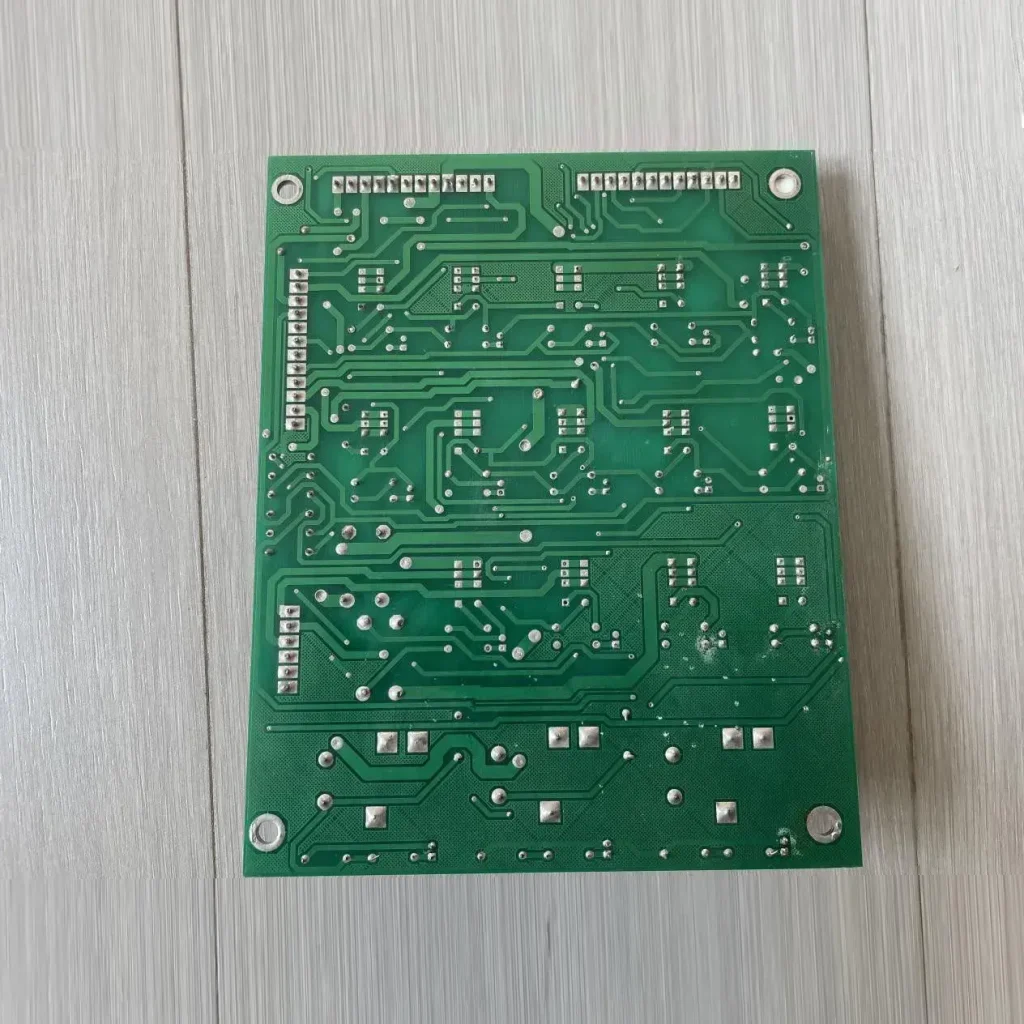 Zoomlion Original Power Control Board – ...
🔹 Core Functions Multi-circuit Power Distrib...
-
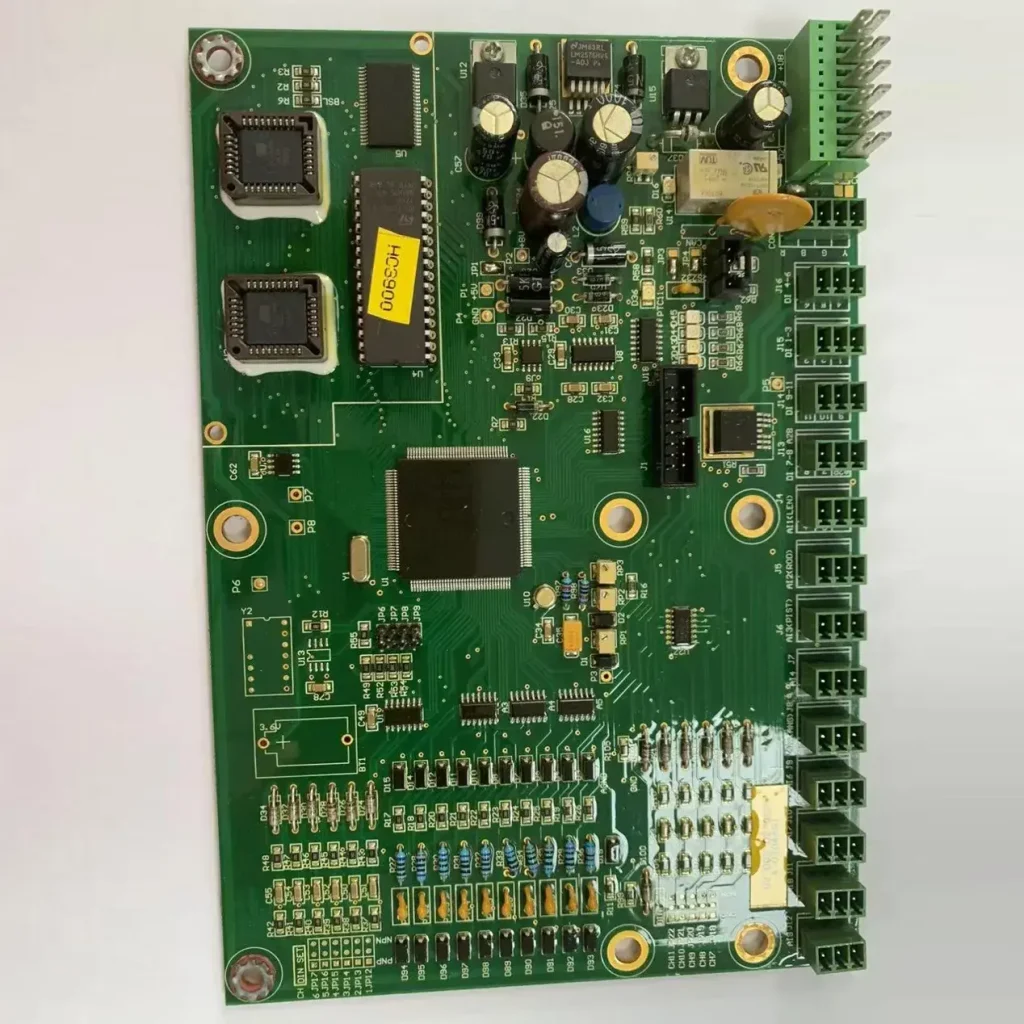 XCMG HC3900 Crane Upper Computer Mainboard
Key Selling Points OEM Direct Compatibility...
-
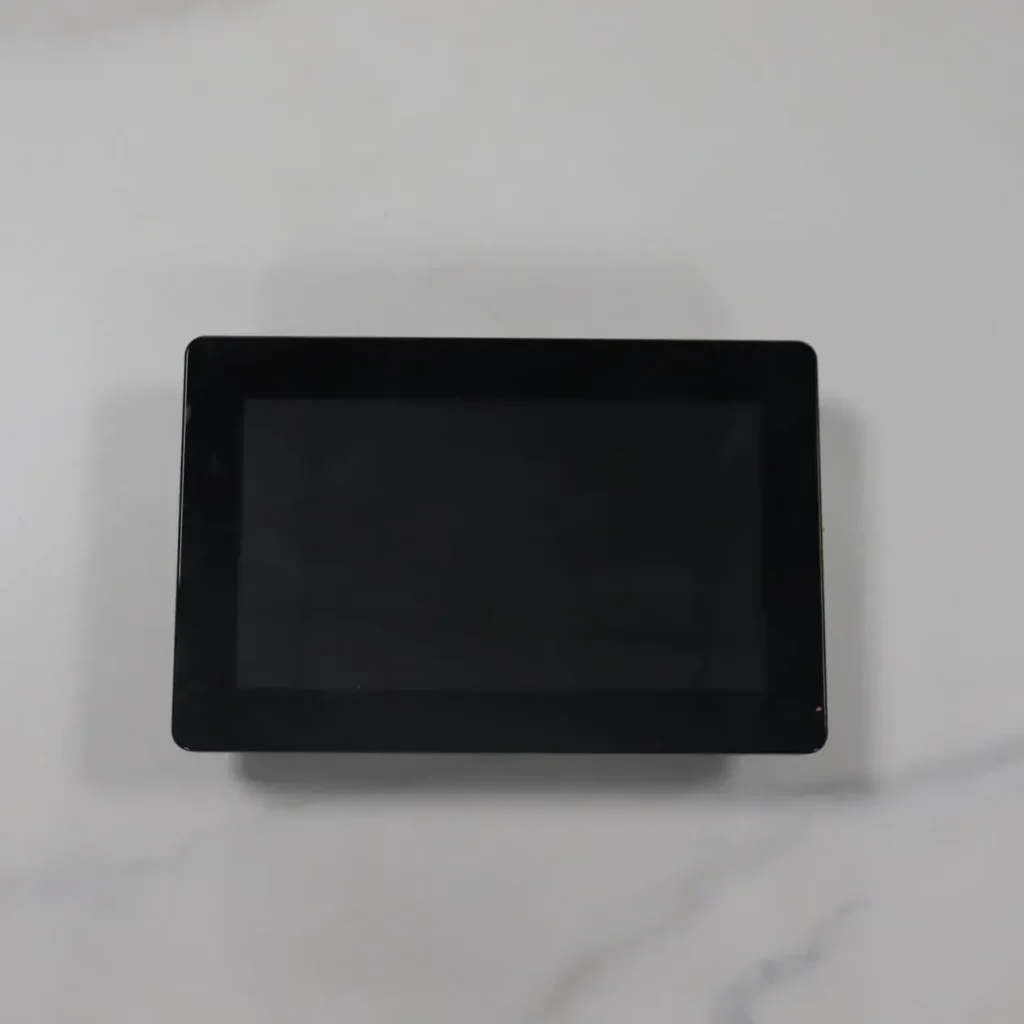 Zoomlion Mobile Crane Load Moment Indicator (LM...
Product Overview This is an original equipment...